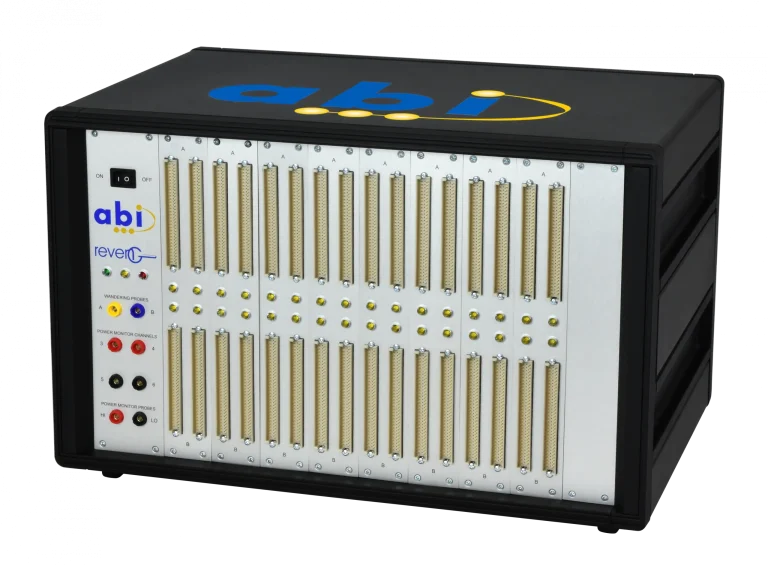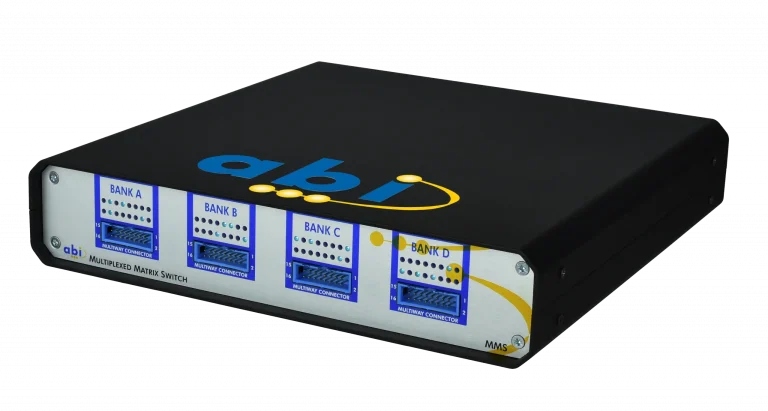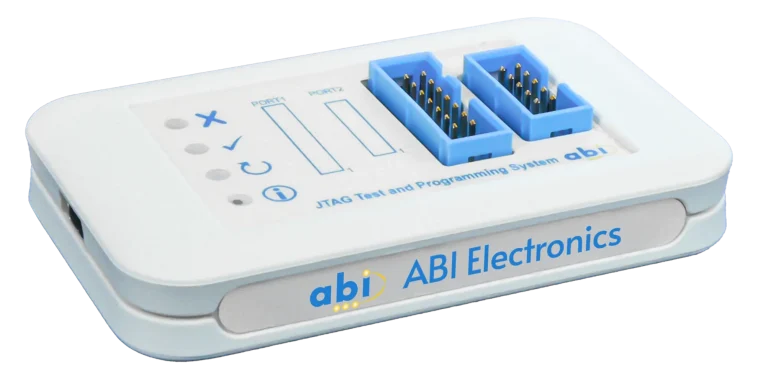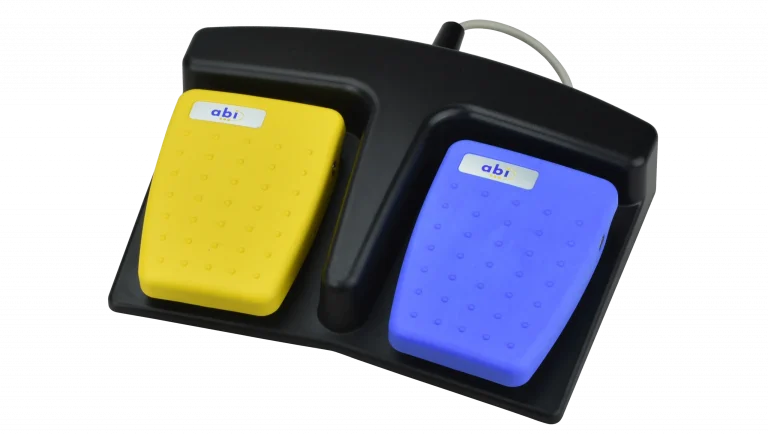

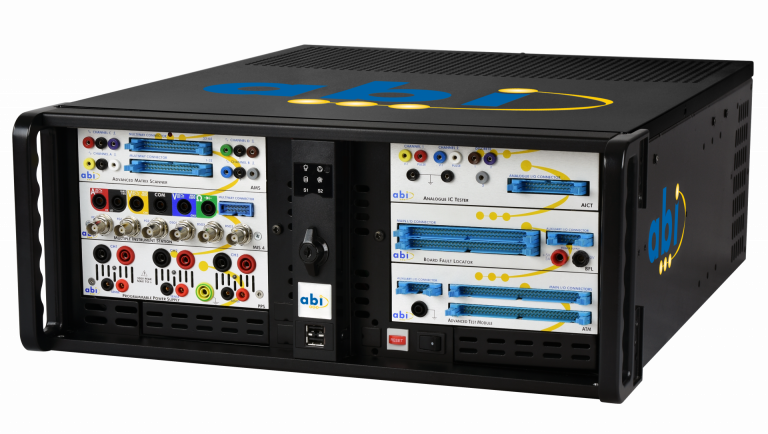
Take control of unsupported and obsolete electronics with RevEng. Designed to recreate professional circuit schematics directly from a working PCB, RevEng provides the technical documentation needed to maintain, repair and support equipment when original drawings are missing, unavailable or no longer supported by the manufacturer.
RevEng automatically learns how components are interconnected and generates a complete NetList ready for conversion into professional CAD schematics. A powered off process protects sensitive components while built-in orientation and connection checks help minimise operator errors. Create partial or complete circuit diagrams and build an independent knowledge base that supports faster fault-finding, obsolescence management and long-term in-house repair.
Connect your cable assemblies to RevEng, identify them in the software library and define the PCB power rails.
List out all the components on the PCB so that the software can guide you through the connection and scanning process. RevEng will now scan the connected components and create a Netlist automatically.
Once the selected circuit has been captured, RevEng produces a detailed, exportable Netlist of the components and their interconnections.
Import the Netlist into the supplied EdWin CAD software and use its built-in placement and routing tools to complete the schematic.
RevEng is a guided PCB reverse engineering system used to recover circuit connectivity when original schematics are missing, inaccurate or no longer available from the manufacturer. It helps organisations create independent technical documentation for unsupported and obsolete electronic assemblies, supporting fault-finding, obsolescence management and long-term in-house maintenance.
RevEng uses clips, cable assemblies and guided probes to scan an unpowered reference PCB. The operator identifies the components, and the software records how accessible pins and circuit nodes are interconnected. RevEng then generates a detailed Netlist containing the captured components and their electrical connections.
Yes. RevEng is specifically designed for situations where circuit diagrams and OEM technical data are unavailable. It learns connectivity directly from the physical PCB and doesn’t need an existing schematic to start.
RevEng performs connectivity learning with the PCB powered off, helping protect sensitive components during scanning. A known-good or operational reference board is required because RevEng records the connectivity present on the physical sample. Partial circuits can also be captured when only a specific area of the board needs to be documented.
RevEng automatically generates a Netlist containing the captured components and their interconnections. This Netlist is imported into the supplied EdWin CAD software, where placement, routing, annotations and engineering validation are completed to produce a professional schematic. Users can recover an individual circuit section or progressively document the complete accessible board.
RevEng recovers missing circuit connectivity and creates the technical data needed for schematic development. BoardMaster uses complementary Power ON and Power OFF test methods to diagnose faults and performance degradation on electronic components and PCBs. RevEng supports documentation recovery, while BoardMaster supports fault diagnosis, analysis and prevention. Together, they provide a comprehensive solution for unsupported electronics and obsolescence management.